
Apps · Tools

Share your PC mouse and keyboard with Android and other PCs
Kiểm tra tương thích trên thiết bị của bạn
The app was identified on Google Play. Choose a format to download.
Kein Paket für die Sicherheitsprüfung verfügbar.
APP-VORSCHAU





ÜBER DIESE APP
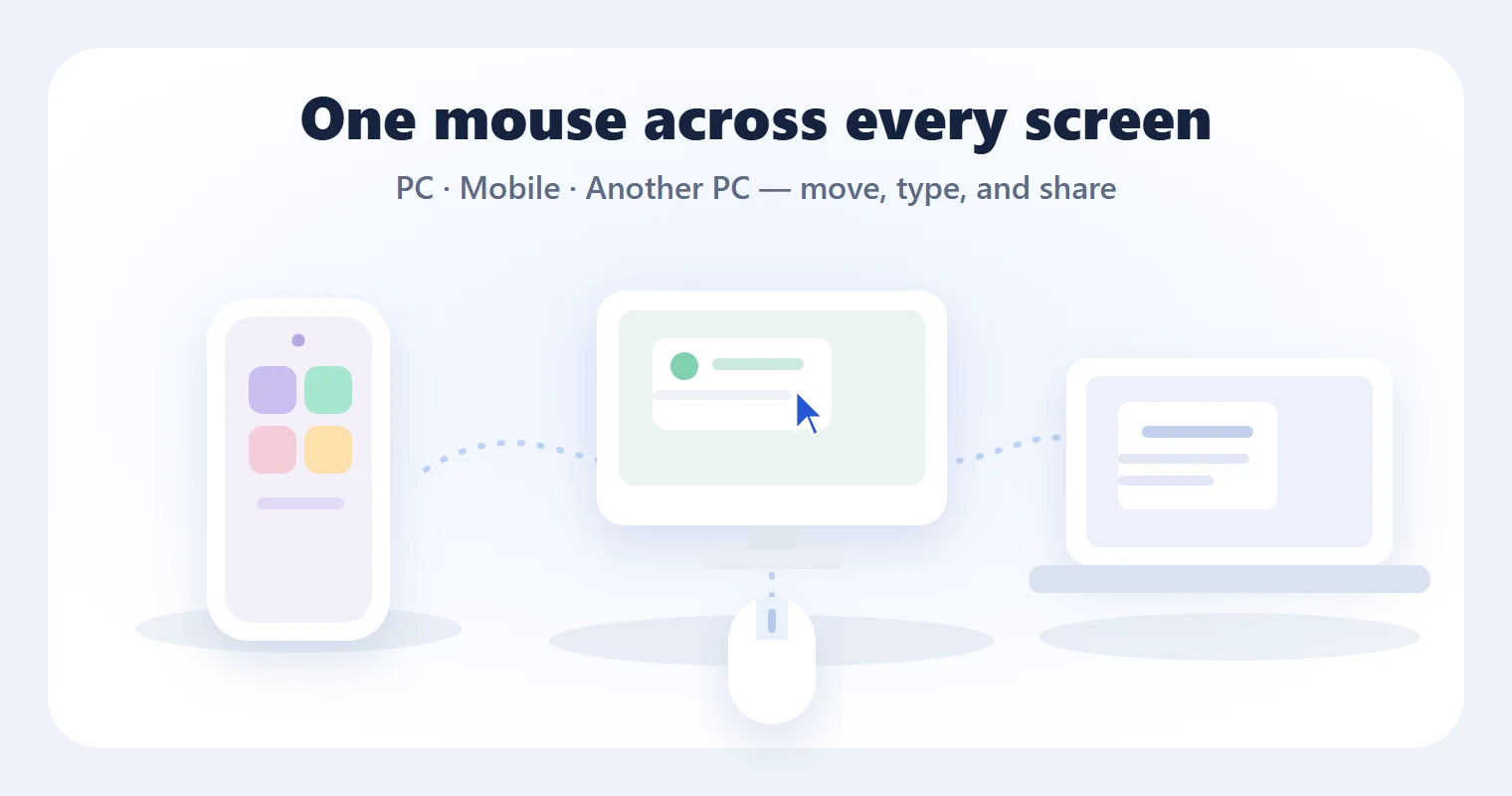
One Mouse is a local connection tool that lets you control your Android device with the mouse and keyboard you already use on your Windows PC.
PC app required: https://onemouse.pages.dev/
Important: To use Android control features, you need the One Mouse PC app for Windows. Install and run the PC app first, then pair your Android device with the PC on the same local network.
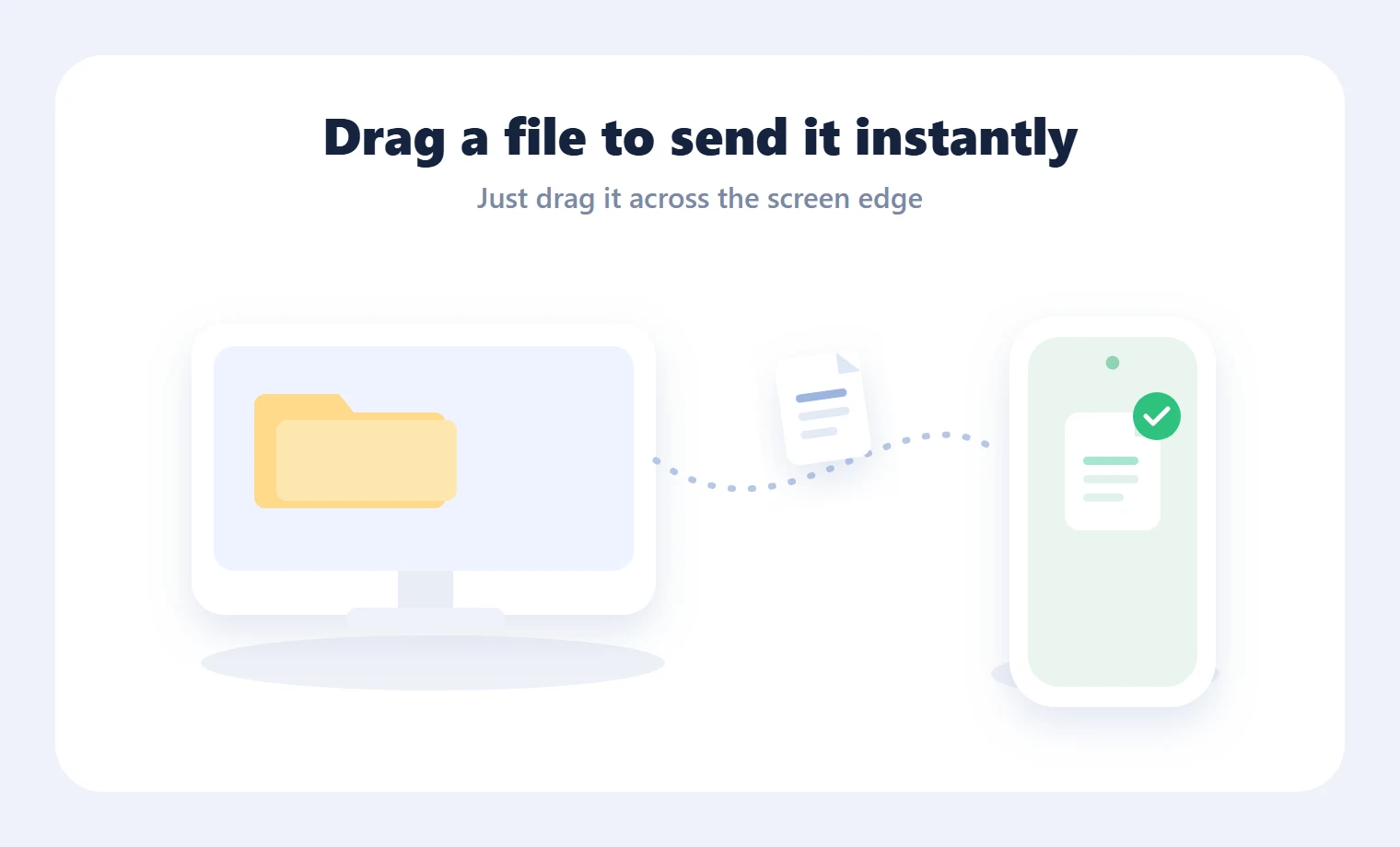
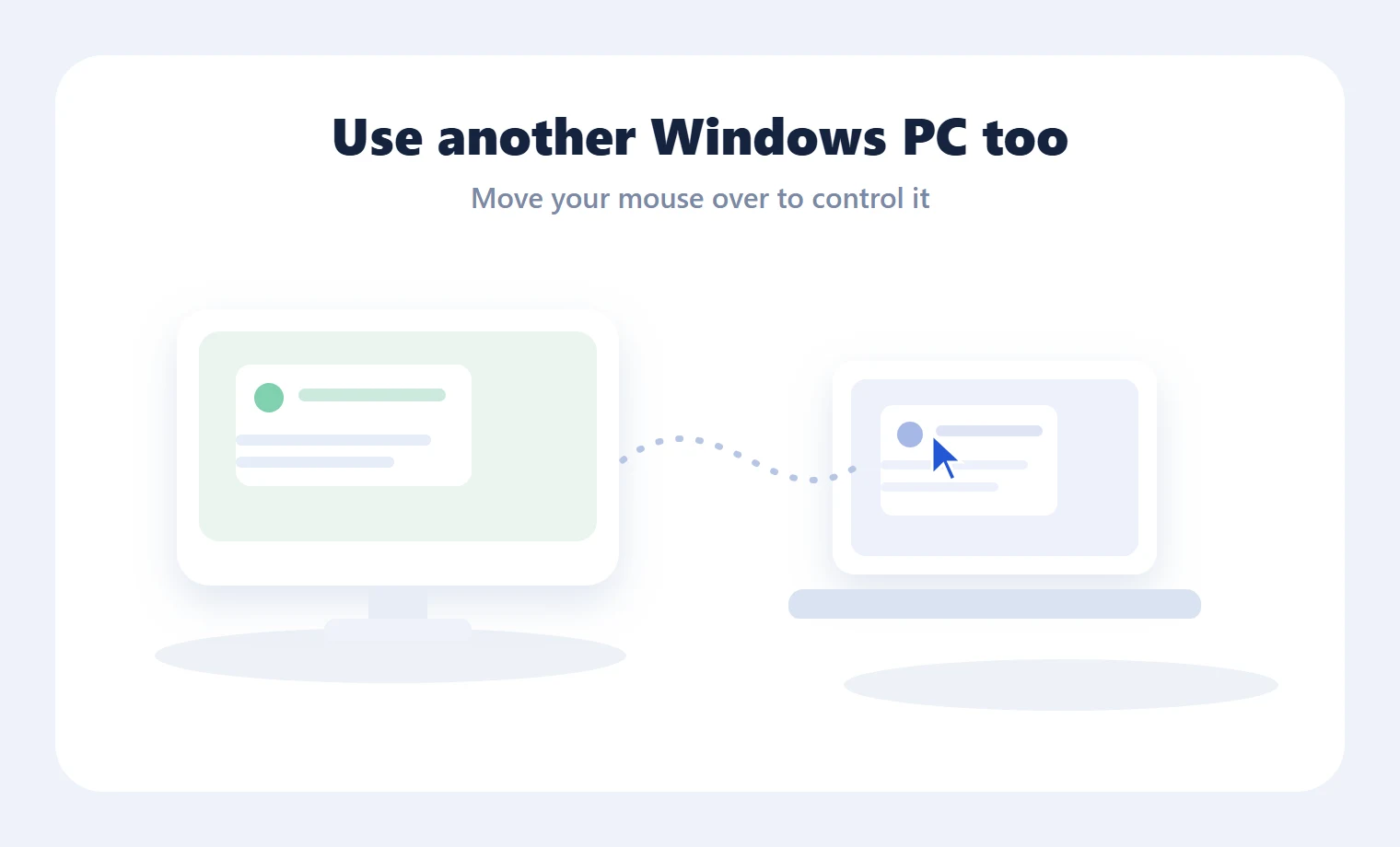
After pairing your PC and Android device on the same network, move your PC mouse to the configured screen edge to pass control to Android. You can then click, scroll, drag, and type on Android using your PC mouse and keyboard. One Mouse connects directly between your own PC and Android device without requiring a cloud account.
Key features
- Control a virtual cursor on Android with your PC mouse - Send PC keyboard input to your Android device - Support for click, scroll, drag, Back, and Home actions - Discover and pair PC and Android devices on the local network - Transfer files and text between PC and Android - Paste PC clipboard text on Android - Send selected Android text to PC - Pairing-code based connection - Local device-to-device communication design
How to use
1. Install and run the One Mouse PC app on your Windows PC. 2. Select the PC from the Android app on the same network. 3. Enter the pairing code shown in the PC app. 4. Enable the Android accessibility service manually in Android settings. 5. Move your PC mouse to the configured screen edge to control Android.
Accessibility service notice
One Mouse uses the Android Accessibility Service API to show a virtual cursor on your Android device and convert mouse and keyboard input from your PC into Android actions.
The accessibility service is used only for the following features:
- Displaying a virtual cursor over the Android screen - Performing mouse actions such as click, scroll, and drag - Performing Android control actions such as Back and Home - Sending PC keyboard input to your Android device
One Mouse does not use the accessibility service to collect personal information or analyze data for advertising purposes. The accessibility service must be enabled manually by the user in Android settings and can be turned off at any time.
Notes
- The One Mouse PC app for Windows is required to use Android control features. - Your PC and Android device must be connected to the same local network. - Device discovery or connection may be limited depending on your network, firewall, or router settings. - File and text transfers are performed only for items selected by the user.
NEUESTE VERSION
VERSIONSVERLAUF
Der Versionsverlauf erscheint nach dem Import oder Hinzufügen einer echten Version im Adminbereich.
PAKETDETAILS
COMMUNITY-BEWERTUNG
Anmelden Melde dich an, um eine verifizierte Bewertung abzugeben.
KHÁM PHÁ RIÊNG CHO BẠN
Đang nhận diện Android và ABI từ trình duyệt…
Xu hướng theo khu vực đã chọn.
Lọc theo Android và ABI mà trình duyệt cung cấp.
Dựa trên app và danh mục bạn vừa xem.
Những app bạn từng xem đã có bản mới hơn.
Entdecken
Apps · Tools

Apps · Tools

Apps · Tools

Apps · Tools

Apps · Tools

Apps · Tools

Apps · Tools

Apps · Tools